Bookkeeping · · 6 min read
7 transactions AI bookkeeping gets wrong, and how to catch them
QuickBooks and Xero now sort your bank feed for you. Here is where their guesses fail, what each mistake costs at tax time, and how to catch it early.

Key points
- AI categorization copies your past habits, so it is weakest on anything new, unusual or large.
- A bank feed line is not a receipt. You still need the paperwork to claim GST/HST back.
- Spend fifteen minutes a month on the transactions the software is least sure about.
Your bank feed has a couple of hundred lines this month and the software has already put a category on most of them. Office supplies, fuel, software, meals. It looks done. Most of it probably is.
The question is which lines are wrong, because the software will not tell you with the same confidence it used to guess.
Both big small-business ledgers now do this. Xero's automatic bank reconciliation, run by its AI assistant JAX, is meant to reconcile more than 80% of bank statement lines in real time, on Standard plans and above. Reconciling means matching each bank line to a record in your books. QuickBooks takes a softer line: it suggests a category or a match based on your history and the transaction details, and waits for you to confirm.
80%
of bank lines Xero aims to reconcile automatically
Xero, 2025
100M+
transactions Xero says it has auto-reconciled since launch
Xero, 2026
That is real time saved. But both tools learn mainly from what you did before, and that leaves predictable blind spots. We picked the seven below because each one either changes your tax bill or is a pattern the software itself says it struggles with. They are in the order you are likely to meet them.
1. Card processor payouts
Verdict: the most common error, and the software knows it.
When Square, Shopify or Stripe pays you, the deposit is your sales minus their fees. The bank sees one number. Categorize the whole deposit as sales and your revenue is understated and your fees never appear as an expense.
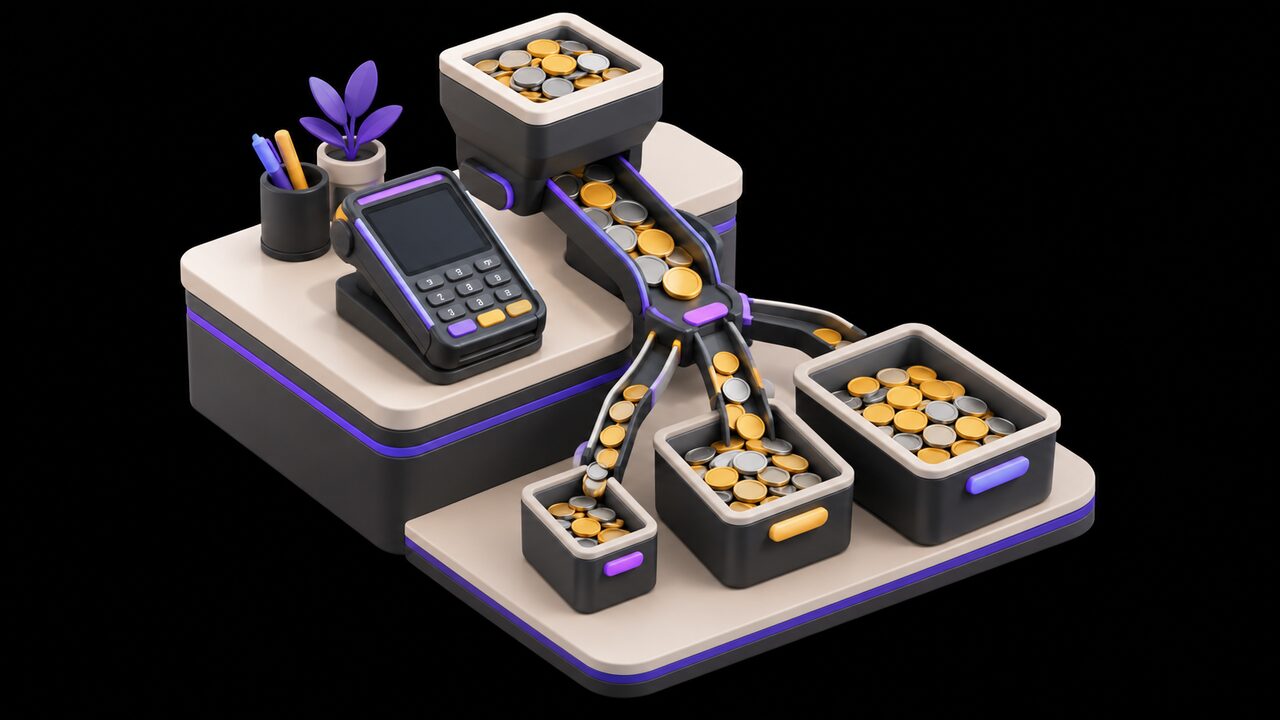
At its August conference, Xero said its automatic reconciliation will handle more complex cases "like splitting a single payment across sales and fees" in the coming months. In other words, not yet. Until it does, a payout needs a split: gross sales on one line, processing fees on another.
What it costs: wrong gross sales on your return, and fees you could have deducted.
2. Anything from a supplier it has never seen
Verdict: low data, low confidence, easy to wave through.
QuickBooks is candid about this. Its review signals run from a green checkmark, meaning a clear pattern in your history, down to an orange alert for limited data. It also says a new company file may not show high-confidence matches until patterns build up.
So your first few months on the software, and every new supplier after that, are when the guesses are weakest. Those are also the months you are least likely to be checking, because the tool is new and seems to work.
What it costs: a wrong category that then becomes the pattern the software copies next month.
3. The same store, a different reason
Verdict: memory is the feature and the flaw.
Xero says JAX learns from your own reconciliation history and from similar, anonymized transactions across Xero. That works for the phone bill. It fails at the big-box store where you bought printer paper in March, a staff barbecue in June and a vacuum for the shop in August.
The bank line says the same store name each time. The software sees the store, not the basket. It will file all three the same way unless someone tells it otherwise.
The software sees the store, not the basket.
What it costs: expenses in the wrong lines, which matters most when some lines have limits (see 5).
4. A big purchase that should be capital
Verdict: the one that moves the most money.
The Canada Revenue Agency splits spending into current expenses, which you deduct in the year, and capital expenses, which you write off over time. Its own example: repairing wooden steps is a current expense, but buying a compressor for your business is a capital expense. So is a repair that improves a property beyond its original condition.

If you usually buy small parts from a supplier, the software learns "repairs and maintenance". Then the day you buy a whole machine from the same supplier, it files that under repairs too. Nothing in the bank line says lasting benefit.
What it costs: a deduction claimed all at once that should have been spread over years, which your accountant will have to unwind.
5. The restaurant bill
Verdict: right category, wrong amount.
The software will recognize a restaurant and call it meals and entertainment. The trouble is what comes after. The CRA says the most you can usually claim for food, beverages and entertainment is 50% of the cost.
There are exceptions. An event open to all employees at a location, such as a holiday party, is exempt for up to six events a year. So is a meal you bill back to a client and show on the invoice. Whether a dinner qualifies depends on who was at the table, and the bank feed does not know that.
What it costs: claiming 100% where 50% was allowed, or the reverse.
6. Personal spending on the business card
Verdict: it will look exactly like a business expense.
A streaming subscription, a family dinner, a tank of gas on a Sunday. On a business card, the software has every reason to treat them as business costs, because most of what goes through that card is.
The CRA is clear that purchases for personal consumption cannot be claimed as input tax credits, which is how you recover the GST/HST you paid on business purchases. Only you know which charges were personal.
What it costs: a deduction and a tax credit you are not entitled to, both of which you would have to give back if the CRA reviews your books.
7. The missing receipt
Verdict: a category is not a record.
This is the quiet one. A tidy, correctly categorized bank feed feels like finished books. For GST/HST, it is not. The CRA says you need sufficient documentary evidence before you claim the credit.
What counts depends on the amount. Under $100, you need the supplier's name, the date and the total. From $100 to $499.99, add the GST/HST charged and the supplier's registration number. At $500 and up, add your name, a description of what you bought and the payment terms. A bank line has almost none of that.
What it costs: input tax credits you cannot support, which is money straight off your refund.
How the seven compare
| Transaction | Why the AI misses it | Who has to catch it |
|---|---|---|
| Processor payouts | One deposit hides sales and fees | You, with the payout report |
| New suppliers | No history to learn from | You, on low-confidence flags |
| Same store, different reason | It sees the store, not the basket | You |
| Capital purchases | Nothing on the bank line says lasting | Your accountant |
| Restaurant bills | It cannot see who was there | You, with a note |
| Personal spending | Looks like every other charge | You |
| Missing receipts | Categorizing is not documenting | You, with a receipt app or folder |
None of this is a reason to switch the feature off. For a business with a few hundred transactions a month, letting the software do the first pass and checking the edges is faster than typing everything. If you have thirty transactions a month and they are all the same, simple bank rules will do the job and there is little for AI to add.
Where to start
- This month, filter your bank feed to the low-confidence suggestions (orange in QuickBooks) and every line over $500, and check those first. That is where most of the seven live.
- Split your processor payouts into sales and fees using the payout report from Square, Shopify or Stripe, and set up a rule so it happens the same way each time.
- Stop putting personal charges on the business card, and snap a photo of every receipt over $100 the day you get it.
If you want a second pair of eyes on how AI fits into your back office, you can book a call with Trimotech.
Sources
- Get a clearer view of your finances, faster: Get a first look at automatic bank reconciliationXero Blog, November 20, 2025
- Xerocon Denver 2026: AI-powered workflows for small businesses and accountantsXero Blog, August 20, 2026
- How AI suggestions help match and categorize bank transactionsQuickBooks (Intuit), August 26, 2026
- Current or capital expensesCanada Revenue Agency, August 31, 2026
- Line 8523 – Meals and entertainmentCanada Revenue Agency, August 31, 2026
- Input tax creditsCanada Revenue Agency, November 19, 2024
Questions
- Does QuickBooks or Xero categorize transactions without asking me?
- QuickBooks suggests a category and waits for you to confirm it. Xero's automatic bank reconciliation can reconcile high-confidence lines on its own, and you can switch it on or off for each bank account and review or change its work afterwards.
- Can I stop doing my own bookkeeping if the AI gets most of it right?
- You can stop typing, but not stop checking. The software learns from how you categorized things before, so it is weakest on new suppliers, one-off purchases and anything that needs to know why you spent the money. A short monthly review catches most of it.
- Does a categorized bank transaction count as a receipt for the CRA?
- No. To claim an input tax credit for GST/HST you need documents with the supplier's details, and above $100 their GST/HST registration number. A line on your bank statement does not carry that information.
Read next
-
Operations · · 6 min read
How to turn what is in your head into written procedures with AI
Most small businesses run on what one or two people know. Here is how to use AI to get it on paper in an afternoon, and how to check it before staff rely on it.
-
Getting paid · · 5 min read
How to chase overdue invoices with AI without losing the customer
Late invoices cost small firms time and cash. Here is how to let software remind and AI draft the messages while you keep control of tone and escalation.
-
Real estate · · 8 min read
Can AI write my listings and answer leads without breaking the rules?
Agents use AI for listing copy, photo edits, late-night lead replies and follow-ups. What works, what it costs, and where Ontario's rules draw the line.