Operations · · 6 min read
How to turn what is in your head into written procedures with AI
Most small businesses run on what one or two people know. Here is how to use AI to get it on paper in an afternoon, and how to check it before staff rely on it.
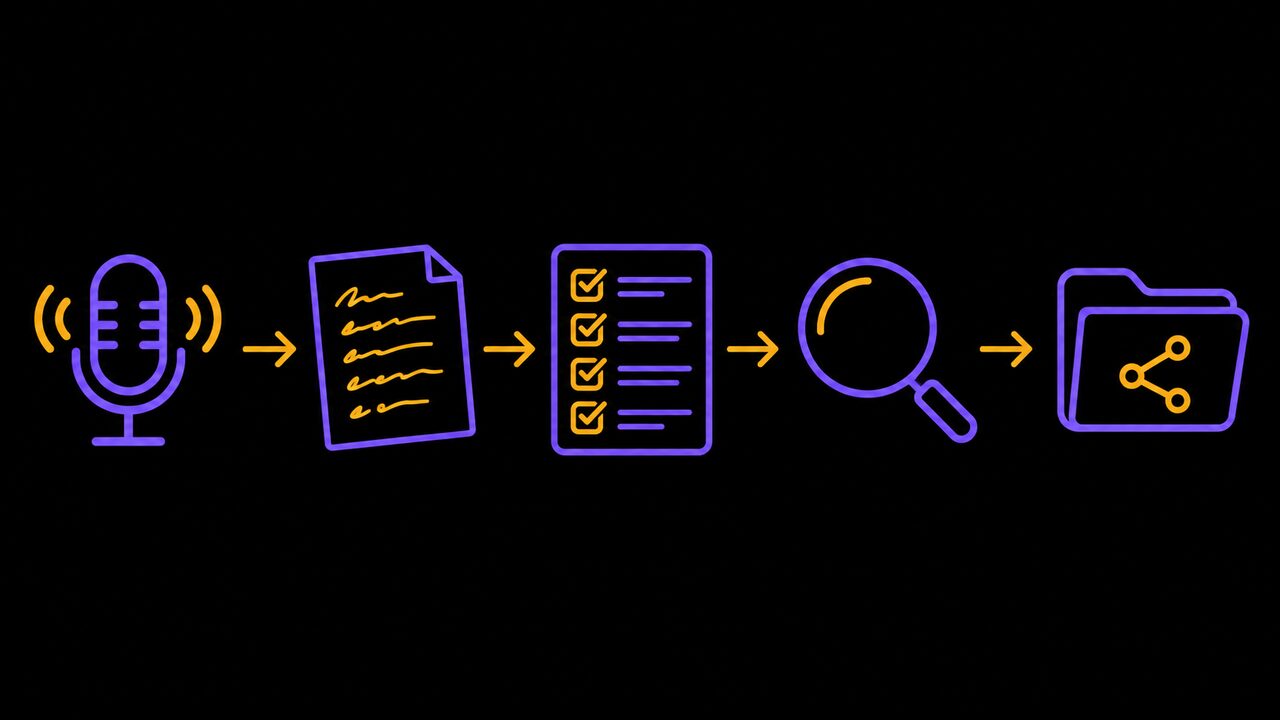
Key points
- Talk through the task out loud and let AI turn the transcript into a draft; do not start from a blank page.
- Give the tool the context it cannot guess: who reads this, what systems you use, what the exceptions are.
- Treat the output as a first draft, and have the person who does the job test it before anyone else relies on it.
- Keep customer names, employee details and other personal information out of the prompt.
Ask a small business owner how the month-end close works, or how a new job gets booked, and the honest answer is often "ask Priya". The procedure exists. It lives in one person's head, and that person is sometimes on holiday.
Writing it down is the fix everyone agrees on and nobody schedules. It is slow, it is dull, and a blank page is a bad place to start. AI is good at exactly this kind of work: turning rough material into a tidy first draft.
This guide shows how to do that for one task, this week, without handing your customers' information to a chatbot.
What you need
- A task. Pick one that is done often and goes wrong when the usual person is away: opening and closing the shop, booking a job, onboarding a new client, issuing a refund.
- The person who does it. They know the real steps, including the ones nobody admits to skipping.
- An AI chat tool. A free account of ChatGPT, Claude or Gemini is enough to start. Check the privacy settings first (step 5).
- About two hours for the first procedure, including testing.
Procedures matter for ordinary reasons. According to BPM Institute, they keep a process consistent over time and across people, and they shorten training for new hires. The same article is clear that AI does not replace the knowledge: "Learning how to write SOPs with AI doesn't mean outsourcing your knowledge."
Pick one task and name its purpose
Start small. One task, not "operations". If you try to document the whole business in one go, you will have forty half-finished pages by Wednesday.
Write one sentence on why the task exists and what "done well" looks like. For example: "Refunds are issued within two business days, and the customer always gets a confirmation." That sentence goes into your prompt later, and it also settles arguments about edge cases.
The usual mistake is choosing a task that changes every week. Pick one that is boring and repeatable.
Record yourself doing the task
Do not type the procedure. Talk it through.
Have the person who does the job walk through it out loud while doing it, and record it on a phone. Most phones have a voice recorder built in, and many video-call tools produce a transcript. Ask them to say what they are clicking, what they are checking and what they do when something looks off.
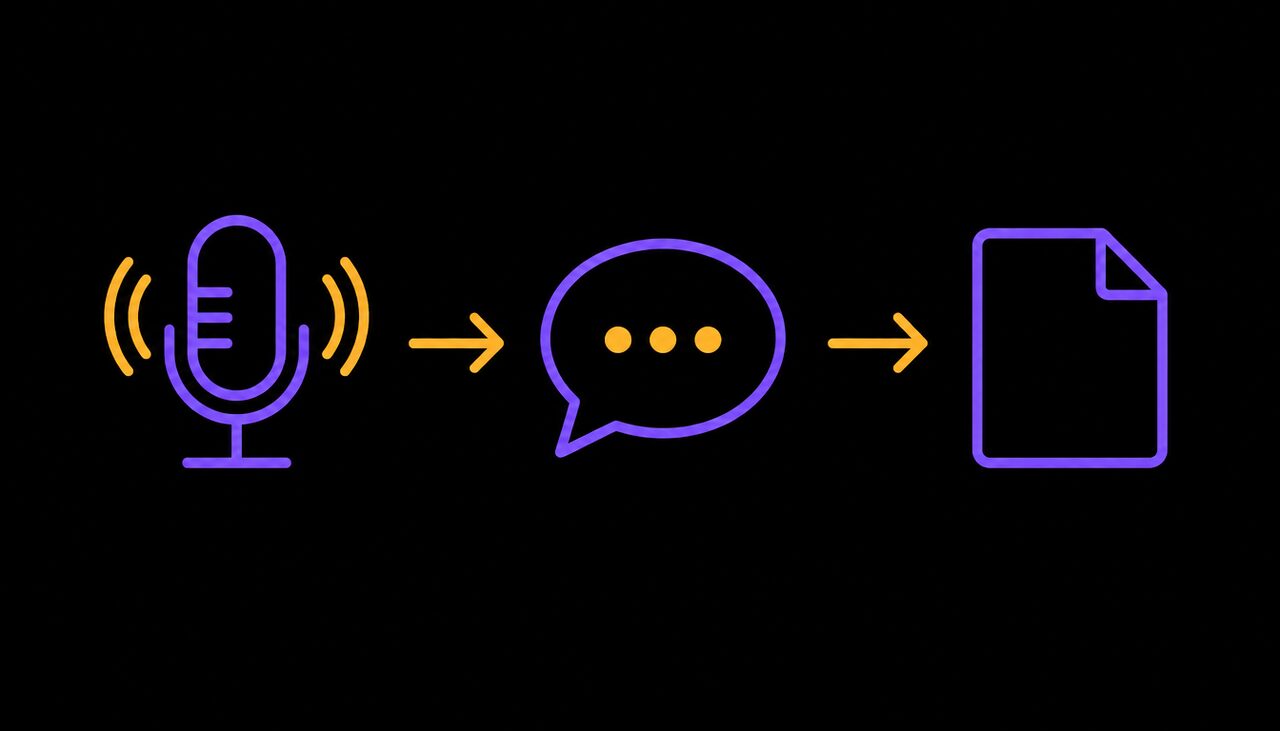
A transcript will be messy. That is fine. BPM Institute notes you do not need perfect documentation or a process modelling tool to begin; notes, documents or meeting summaries are enough raw material.
The usual mistake is recording someone who is explaining the task in theory. Record the real thing, with the awkward bits.
Write a prompt that gives the tool your context
A vague request gets a vague, bureaucratic answer. "Write an SOP for refunds" will give you a generic document that fits no business in particular.
Tell the tool what it cannot guess. BPM Institute's advice is to specify the sections, tone and audience, give context on the purpose and the people involved, and name the systems used, such as Excel or email. Its sample sections are Purpose, Scope, Roles and Responsibilities, Step-by-Step Instructions, and Exceptions.
Here is a prompt you can adapt:
I run a [type of business] with [number] staff. Below is a transcript of me explaining how we [task]. Turn it into a one-page procedure for a new part-time employee with no training. Use these headings: Purpose, Who does this, Steps (numbered, one action each), What to do when something goes wrong. We use [software]. Keep sentences short. If anything in the transcript is unclear or contradicts itself, list those points at the end as questions instead of guessing.
That last instruction matters. Without it, the tool fills gaps with plausible-sounding steps. BPM Institute warns that vague inputs lead to gaps the AI will not catch.
Keep personal information out of the prompt
This step is short and not optional.
A transcript of a refund call or a client onboarding can contain names, addresses, card details and health or financial information. You do not need any of it to write a procedure. Canada's federal, provincial and territorial privacy authorities set out principles for generative AI in December 2023. For organizations using these tools, they say to use anonymized or de-identified information in prompts where possible, and to enter personal information only where it is authorized.
In practice:
- Read the transcript before you paste it. Replace names with "the customer" or "the client".
- Check the tool's settings for whether your conversations are used to train the model, and switch that off where you can. Paid business plans usually offer clearer controls than free accounts, but read the terms of the one you choose.
- Never paste passwords, banking details or anything covered by a confidentiality agreement.
Under the same principles, accountability stays with the organization, not with the software. If a procedure leads to a privacy mistake, "the AI wrote it" is not a defence.
Review the draft with the person who does the job
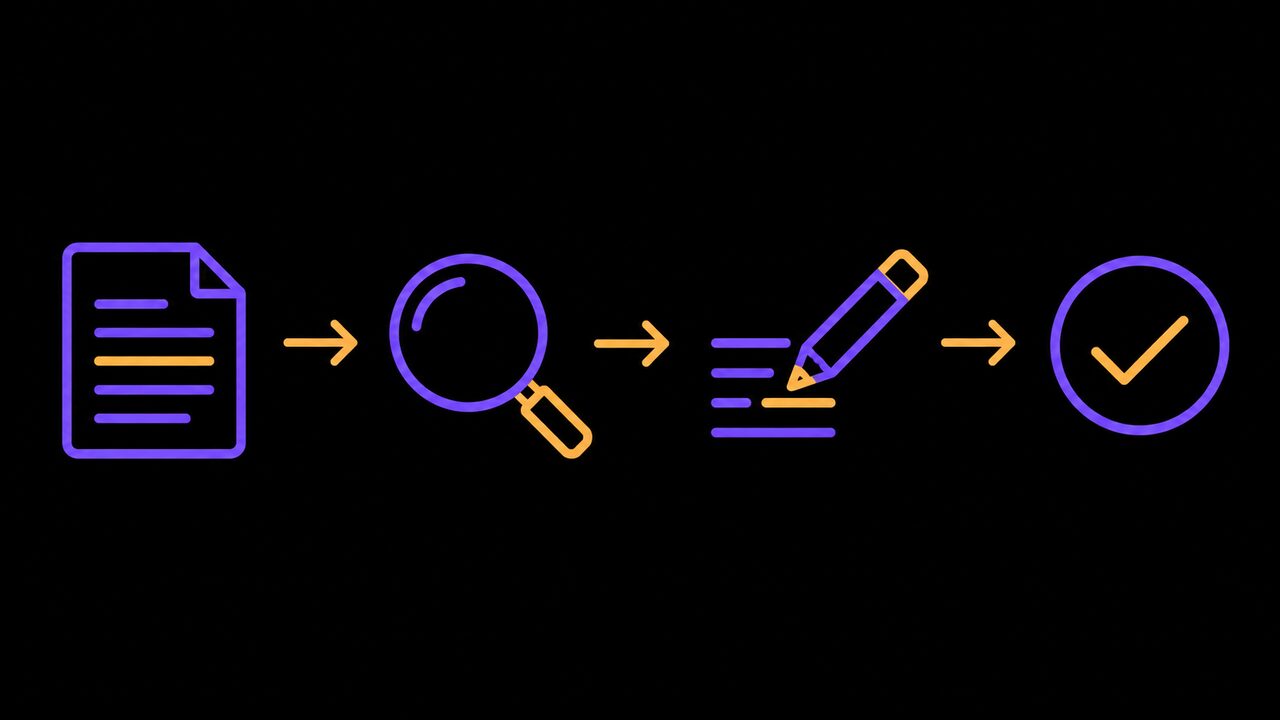
Treat the draft as a first draft. BPM Institute says the same: AI will not validate compliance unless you supply the rules, and it will not produce screenshots or links for you.
Read it with the person who does the task, and then have them follow it, line by line, as if they had never seen it. Mark every step where they hesitate or do something the page does not say. Those are your gaps.
Check three things in particular:
- Order. Are the steps in the sequence people actually follow?
- Rules. Does anything touch tax, employment standards, health and safety or a licensing rule? If so, check the wording against the rule itself or with your accountant or lawyer.
- Exceptions. What happens when the card declines, the supplier is out of stock or the customer is upset?
Feed the corrections back to the tool and ask for a clean version. Two rounds is usually enough.
Put it where people will find it
A procedure nobody can find does not exist. Save it in one shared place, such as a shared drive folder, with a plain file name ("How we issue refunds") and a date at the top.
Add the name of one person who owns it. When the process changes, they update it. The most common way these documents fail is not bad writing; it is that nobody was ever asked to keep them current.
You can also ask the tool for variants from the same source. BPM Institute describes producing a formal version, a short checklist and a training version from one process. For a small team, a one-page checklist taped inside a cupboard door often does more than the formal document.
Common mistakes
- Starting with the whole business. Do one task. Then do another.
- Trusting the first draft. Fluent text is not correct text. Test it with a real person.
- Pasting in real customer data. Redact first.
- Writing for yourself. The reader is someone new. Skip the shorthand.
- No owner. An unowned procedure goes stale within a year.
- Expecting AI to pay off on its own. A September 2026 poll of about 1,000 Canadian owners and self-employed people, run by the insurer Zensurance, found 32% said AI had made little or no difference to their business, and only 9% reported meaningful productivity gains or cost savings. It was an online panel of self-selected respondents, so treat it as a mood, not a measurement. A tool helps when it is pointed at a specific job, and a procedure is a specific job.
When not to bother: if a task is done once a year, or is about to change completely, a short note will do.
Where to start
- Pick one task that breaks when your usual person is away, and write its purpose in one sentence.
- Record that person doing it, redact the transcript and use the prompt above.
- Test the draft with someone who has never done the task, fix the gaps, and name an owner.
If you would rather have help working out which tasks are worth documenting or automating first, you can book a call with Trimotech.
Sources
- How to Write SOPs with AI (Without Starting from Scratch)BPM Institute
- Principles for responsible, trustworthy and privacy-protective generative AI technologiesOffice of the Privacy Commissioner of Canada, December 7, 2023
- Most Canadian small businesses see little payoff from AI, survey findsInsurance Business Canada, September 29, 2026
Questions
- What is a standard operating procedure?
- It is a written description of how a job is done: why it exists, who does it and the steps in order. For a small business it can be one page or a short checklist. The point is that a new person can do the task the same way you do.
- Can I paste customer details into ChatGPT to write a procedure?
- You should not need to. Canadian privacy regulators advise using anonymized or de-identified information in prompts where possible. Describe the process with placeholders like "the customer" instead of real names and numbers.
- How long does it take to write a procedure with AI?
- One BPM Institute example had drafts done in under 20 minutes and checked in under an hour. Your first one will be slower, because most of the time goes into explaining the task and testing the result.
Read next
-
Getting paid · · 5 min read
How to chase overdue invoices with AI without losing the customer
Late invoices cost small firms time and cash. Here is how to let software remind and AI draft the messages while you keep control of tone and escalation.
-
Real estate · · 8 min read
Can AI write my listings and answer leads without breaking the rules?
Agents use AI for listing copy, photo edits, late-night lead replies and follow-ups. What works, what it costs, and where Ontario's rules draw the line.
-
Workplace policy · · 7 min read
How to write an AI policy for your staff in one afternoon
Your staff are probably using ChatGPT already. A one-page policy covering which tools, which data, who checks the output, and the Ontario rules to know.